
In today’s online lottery platforms, choosing numbers is no longer limited to a single method. Different users have different preferences—some like to think through every step on their own, some prefer speed and convenience, while others want the system to help organize numbers more efficiently.
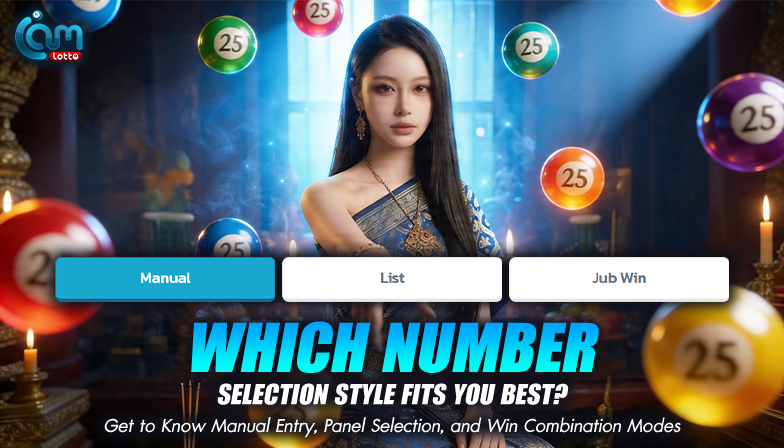
For this reason, modern platforms now offer multiple number selection modes, allowing users to choose the approach that best fits their personal style. This article introduces three commonly used modes—Manual Entry, Panel Selection, and Win Combination—and explains how each one supports different ways of using the system.
Manual Entry: Full Control for Those Who Prefer Precision
Manual Entry is the most familiar and straightforward method. It allows users to input numbers digit by digit, giving complete control over every choice.
Best suited for users who
- Already have specific numbers in mind
- Prefer making every decision themselves
- Do not want system-generated assistance
Example
A user who wants to select a specific four-digit number can enter each digit manually. The system immediately confirms whether the number format is complete, helping reduce input errors before final submission.
This mode offers clarity and confidence, especially for users who value precision, though it may take slightly more time than other options.
Panel Selection: Quick Choices with a Clear Overview
Panel Selection is designed for convenience and speed. Instead of typing numbers one by one, users can select from a visual panel of available options.
Best suited for users who
- Want faster interaction
- Prefer seeing all options at once
- Do not want to manually type each digit
Example
Users can simply tap numbers from the displayed panel, and the system automatically formats the selection according to the chosen number type. This reduces steps and minimizes input mistakes.
The main advantage of this mode is efficiency, making it ideal for users who want a smooth and simple selection process.
Win Combination: Structured Number Management with System Support
Win Combination mode helps organize a selected set of numbers into multiple combinations automatically. It is ideal for users who start with a base set of numbers but do not want to manually arrange combinations.
Best suited for users who
- Have a base number set
- Want the system to organize combinations
- Prefer reducing repetitive manual steps
Example
A user selects three or four base numbers, and the system generates multiple valid combinations automatically. This eliminates the need to enter similar numbers repeatedly while keeping the original selection intact.
This mode adds structure and efficiency, especially for users who prefer systematic organization.
Choosing the Right Mode for Your Style
None of these modes is objectively better than the others—they are simply designed for different user preferences.
- Manual Entry → Ideal for users who want full control
- Panel Selection → Ideal for speed and simplicity
- Win Combination → Ideal for users who want system-assisted organization
Users can switch between modes at any time, depending on convenience or daily preference, without being locked into a single approach.
Why Multiple Selection Modes Matter
A user-friendly platform should not force everyone to use the same method. Offering multiple modes reduces friction and makes the system feel more adaptable to individual needs.
When Manual Entry, Panel Selection, and Win Combination are integrated into a single structure, switching between them feels natural. Users do not need to relearn the interface each time.
A Good System Gives Users Real Choices
The strength of a platform is not defined by how many features it has, but by how usable those features are. Giving users the freedom to choose the selection mode that suits them best makes the process more comfortable and intuitive.
When number selection feels simple and flexible, the overall experience becomes smoother and easier to manage.
Conclusion
There is no single “correct” way to choose numbers. What matters most is selecting the method that matches your personal style—whether that means entering numbers manually for confidence, using a panel for speed, or relying on Win Combination mode for organized assistance.
When these modes are thoughtfully designed within one system, users can move seamlessly between them. The result is a clearer, more intuitive experience that supports different preferences without unnecessary complexity.